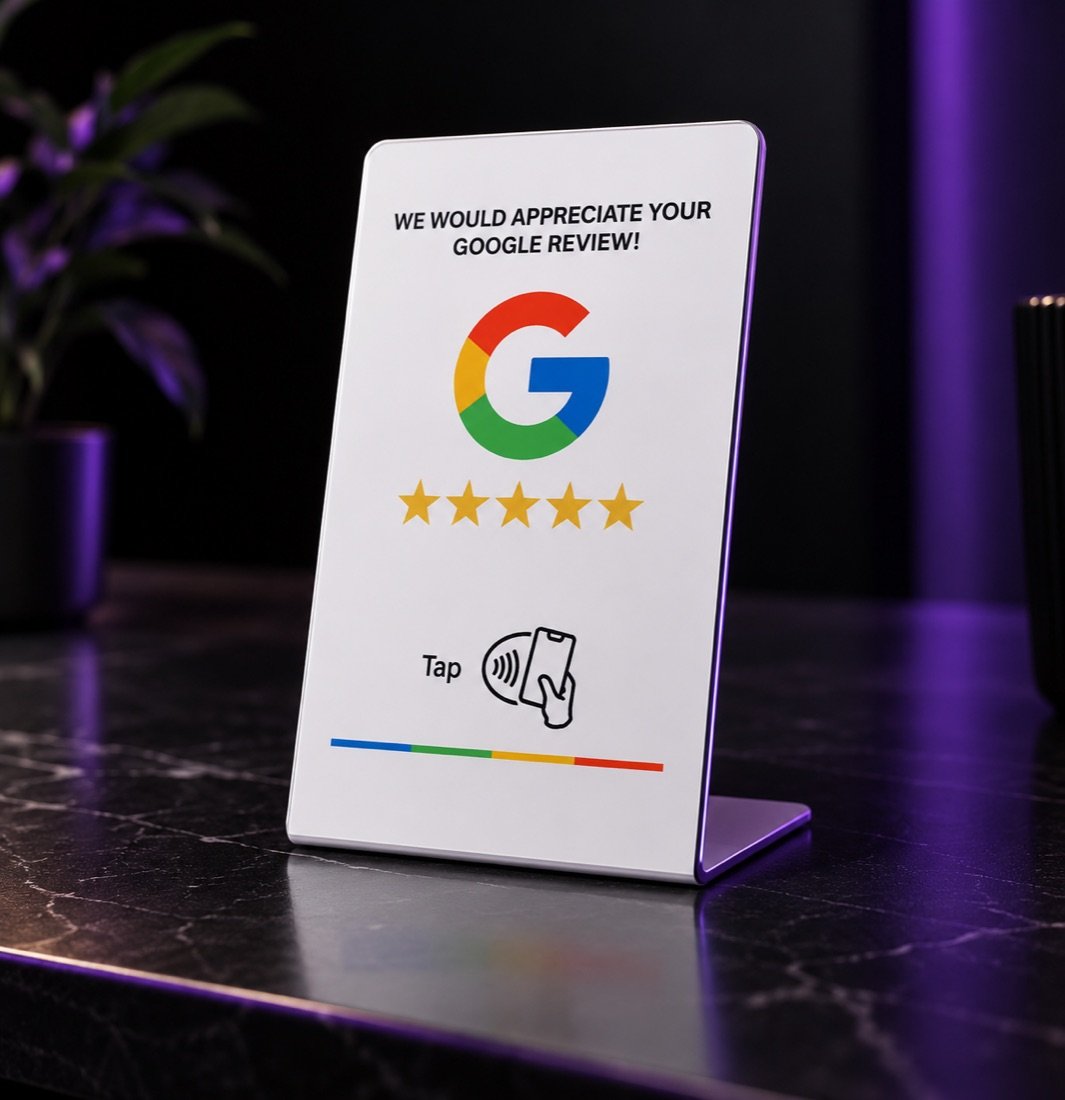
Google review stand
€39
Sits at the till or on the table. One tap opens your Google review page on the customer's phone.
For counters · tables · reception177.5 × 76 × 2 mmPVC, whiteNTAG213 chip

Intelevate builds customer-facing websites, NFC experiences and automation around how each business actually operates — not around a template.
Based in CyprusOn-site island-wide
Example workflow for a café or taverna with NFC table plates and a digital menu.
Opened by tapping the plate
The guest taps the plate on the table. The menu opens in their language, they order and pay without waiting for a server.
The order prints at the pass, and reaches the till you already use where your system supports it. Nothing is retyped and nobody reads it back over kitchen noise.
The messages go out on a schedule you set once. Reviews arrive while the meal is still fresh, and regulars are reminded before they forget you.
Example workflow for a barber, salon, clinic or any business that runs on appointments.
The customer picks the service, the person they want and a time that's actually free. A small deposit is taken if you use one.
The booking lands in your calendar, the barber gets a notification, and the slot is held the moment it's taken.
Confirmation, reminder and review request go out on their own. The rebook nudge brings people back before they drift to whoever is nearest.
Example workflow for a garage, cleaner, electrician, or any business that quotes before it works.
The customer sends the question the way they already do. The assistant captures the details, asks the one thing you'd ask, and doesn't leave them waiting until morning.
Every enquiry, from every channel, in one list. You approve the quote; the customer accepts it with a tap and the slot is booked.
Quotes get chased, jobs get reminded, reviews get asked for and old customers get reactivated — without anyone at the desk remembering to.
Example workflow · demonstration only, not live customer dataSwitch tabs to see a different business type
Four working demos built for fictional businesses. Tap through them exactly as your customer would — on your phone, ideally.
A Mediterranean kitchen in Larnaca, with a photograph of every dish. This is the €299 package.
Open demo Digital menu · text onlyThe same restaurant, text only. Faster on a weak signal and easier to keep current. The €179 package.
Open demo Online bookingPick a service, a barber and a time, right through to confirmation. Nothing is really booked.
Open demo Physiotherapy · appointments & classesBook a private visit or a small-group session, then manage the clinic schedule, shared spaces and waiting list.
Open demoMost businesses start with one of these. Each one is built around how you already work, then connected to the others when it makes sense.
A tap takes the customer straight to your Google review page. No app, no hunting for a QR code, no awkward ask at the till.
Change a price once and every table sees it. Serve visitors in their own language. Let tables order and pay when you're short-staffed.
Customers book when they think of it, not when you're open to answer. Deposits protect your slots; reminders cut the no-shows.
Every question gets an answer in seconds, every detail lands in one place, and anything the assistant can't handle comes straight to you — including the enquiries that arrive at 11pm.
The messages you always mean to send, sent. Timed to the job, personalised to the customer, and switched off the moment they reply.
Connecting your till, calendar, accounting and suppliers so the same fact isn't typed three times. Built around your process, installed on site.
Real objects for the counter and the table, branded to your business and linked to whatever matters most: your review page, your menu, your booking link or your catalogue. We supply them, set them up and fit them on site.
€39
Sits at the till or on the table. One tap opens your Google review page on the customer's phone.
For counters · tables · reception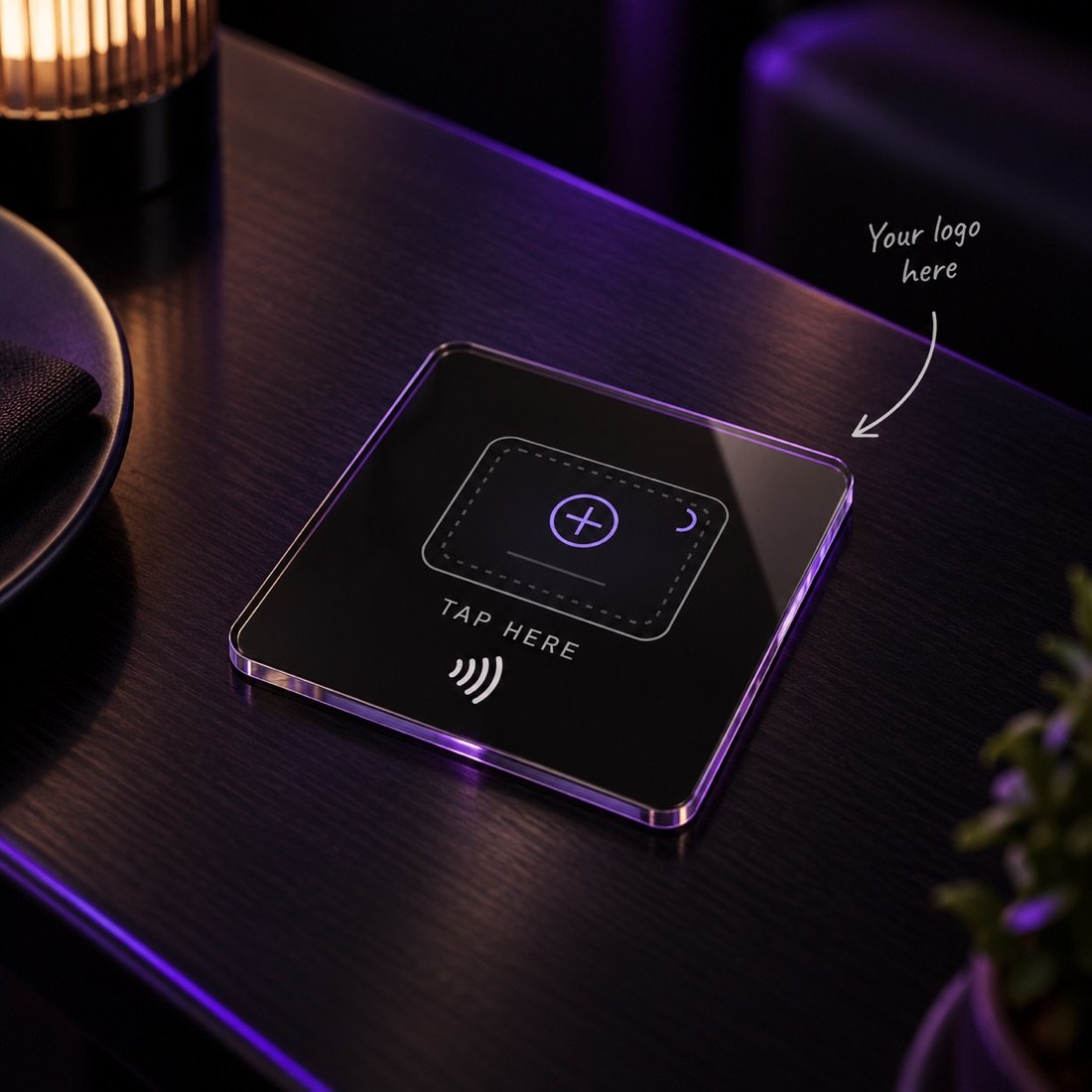
from€59
Your logo, your colours, your link. Made to match the counter it sits on rather than stand out from it.
For brands that care how the counter looks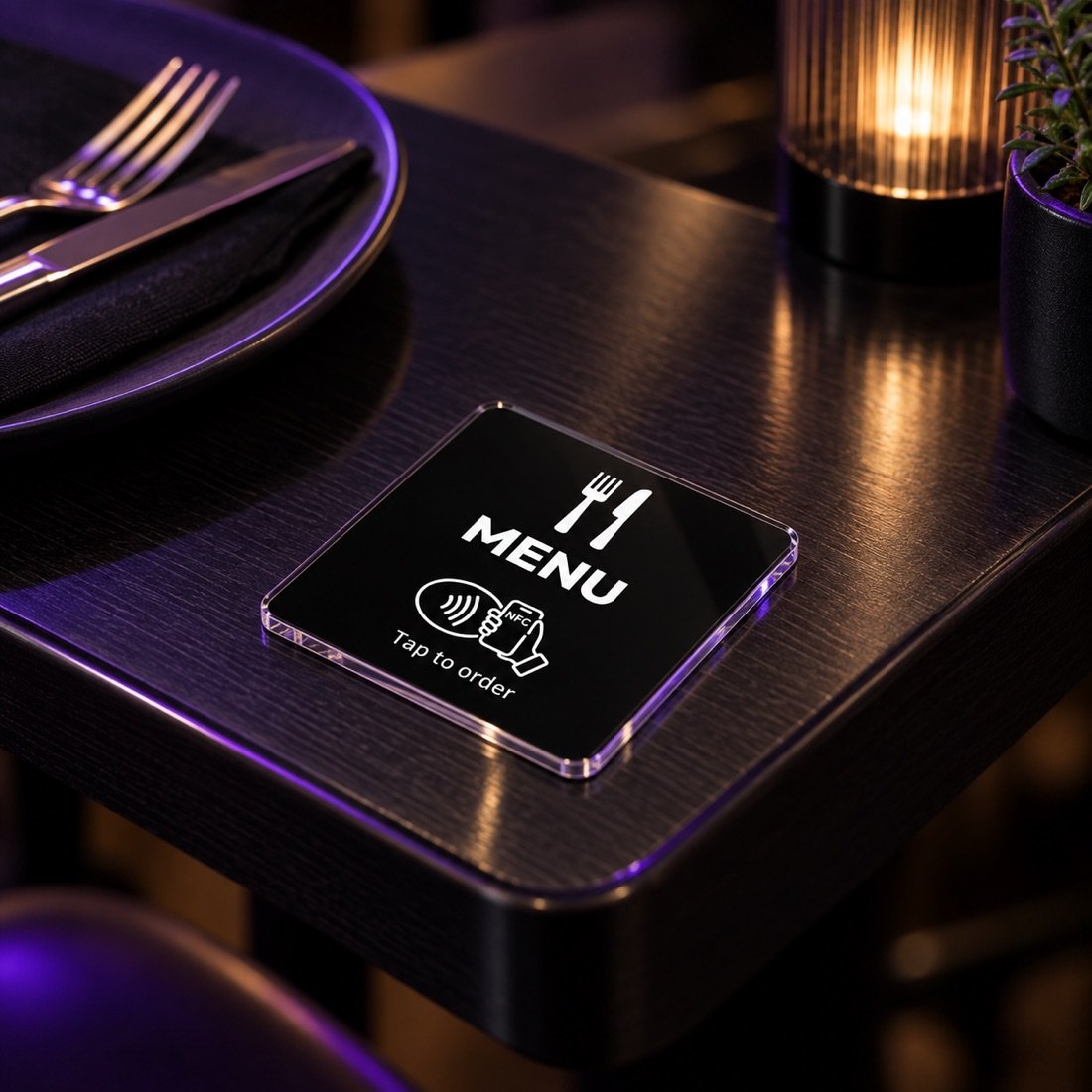
from€179
We build the menu — plain text or with photos of the dishes — and supply the plates that open it. One edit updates every table, in every language you serve.
Hosting and edits from €15/month For restaurants · cafés · bars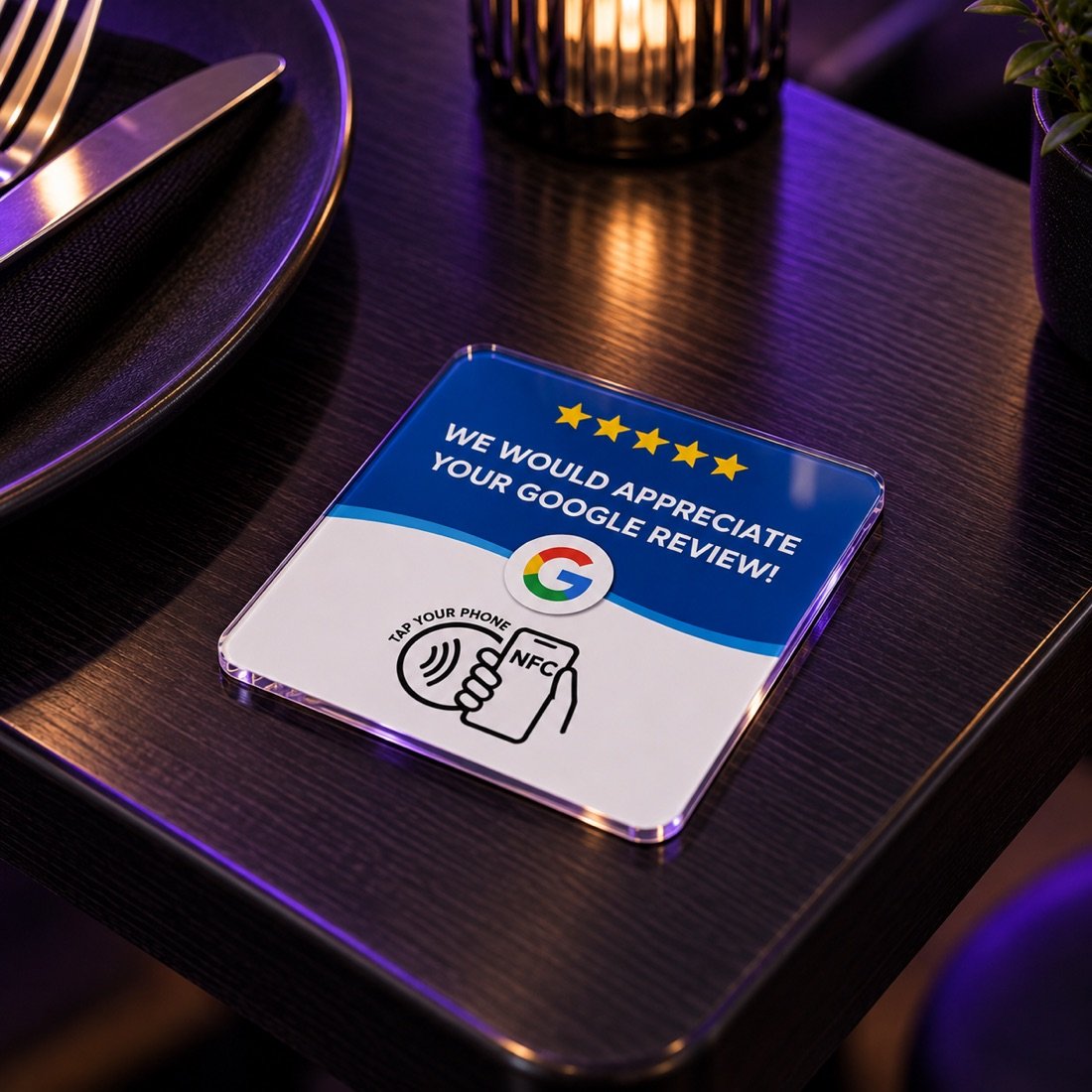
€29— or €49 for two
The flat version of the stand, for tables rather than counters. Stays put beside the bill or the place setting, so the ask lands while the visit is still fresh.
For tables · bill trays · bar topsThe same building blocks, arranged differently. Pick your kind of business to see the example solutions we'd usually start with.
Review stands, NFC plates, menu tags and the digital menu or booking page behind them. Set up in days, not months.
For businesses with a process that doesn't fit a template. We look at how you actually work before we build anything.
Yes, and most people do. A stand is €39 and a plate is €29. We set the link to your Google page, test it on a phone, and that's the whole job.
Not on the review stands and plates — you buy them once. The digital menu has a €15–29 a month charge for hosting, edits and support, because the menu lives somewhere and gets changed. We say which applies before you commit.
Yes. A clean text menu is the starting package at €179. Photos of the dishes are the step up at €299. Plenty of kitchens prefer text, and it loads faster on a bad signal. Open both and compare: the text menu and the same menu with photos.
Every price on this page is what you pay: VAT, delivery and installation anywhere in Cyprus are all included. We bring the products to you and set them up, so there is no separate call-out charge. If you need an invoice showing the VAT separately, just ask.
Often, yes. If your existing page or booking system does the job, the plate can point straight at it and you only pay for the product and the setup.
Depends on what you run. Tell us the name of your POS or booking software and we'll check what it allows before promising anything — some connect cleanly, some don't connect at all.
The plate stays the same and we repoint it. A menu that changes with the seasons is the normal case, not an awkward one.
Order online in about two minutes: choose your products, add your address and place the order. Nothing is charged until we’ve installed it and it works; then you pay by card or cash. Prefer to talk first? Get in touch.
Free 20-minute consultation, no preparation needed. If the answer is that you don't need us yet, that's what we'll say.
We’ll reply within one working day.