Best digital menu software for cafes and bars 2026
Best digital menu software for cafes and bars in 2026: NFC cards win for tap-to-view menus, compared against QR, tablet, POS and website options.
 Intelevate9 min read
On this page
Cafes and bars across Cyprus are dropping printed menus for tools that update without a reprint, work without forcing a customer to download an app, and stop staff retyping orders by hand. This guide ranks the five types of digital menu software available in 2026, so you can match the right one to a small café, a busy bar, or a venue running full table service.
- For most Cyprus cafes and bars, the best digital menu software in 2026 is a tap-based NFC card paired with a simple website menu page.
- NFC menu cards win on speed: no app, no QR code hunting, just a tap on the phone.
- QR code PDF menus are the cheapest option but slower for guests and harder to update mid-season.
- POS-integrated digital menu systems suit high-volume bars that need orders to print straight at the pass.
- Tablet menu boards fit bars with rotating drink specials and wall space behind the counter.
Why this matters
A printed menu that needs a price change mid-season means a reprint run, and most cafes and bars in Cyprus change at least a few prices or specials between spring and the summer tourist peak. Staff turnover is high in hospitality here, and every extra step between a guest and the menu — opening a camera app, typing a URL, waiting for a PDF to load — costs table turns during a busy Friday night.
Digital menu software solves a narrow but real problem: get the current menu in front of a guest fast, and let the venue update it without touching hardware. Not every tool does this the same way, and the right pick depends on whether you run a quiet coffee shop or a bar doing 200 covers on a Saturday.
Best overall: NFC menu cards for tap-to-view display without an app. Best for bars with rotating specials: tablet-based digital menu boards. Best budget option: QR code PDF menus. Best for high-volume table service: POS-integrated digital menu systems. Best for cafes building a full web presence: website-embedded menu builders.
What makes the best digital menu software for cafes and bars
- Speed for the guest — a tap beats a scan, and a scan beats typing a web address
- Update speed for staff — can a price or special change go live the same day, without reprinting anything
- Hardware cost and upkeep — what sits on the table or wall, and what happens if it breaks
- Fit with kitchen or bar workflow — does the order need to be retyped by a server, or does it print at the pass
- No app required — a tool that forces a download loses guests before they see the menu
- Fit with an existing website — does the menu live somewhere a guest can find it before they even walk in
At a glance
| Option | Best for | Standout feature | Key limitation |
|---|---|---|---|
| NFC menu cards (Intelevate) | Tap-to-view display, no app | Guest taps phone, menu opens instantly | No built-in ordering or payment flow |
| QR code PDF menus | Zero-hardware, budget setup | Cheap to produce, easy to print | Menu is a flat PDF, slower to update |
| Tablet-based menu boards | Bars with rotating specials | Full-color visual display on the wall | Needs power, mounting, and per-unit cost |
| POS-integrated menu systems | High-volume table service | Orders print straight at the pass | Bigger setup, tied to one POS vendor |
| Website-embedded menu builders | Cafes with a full web presence | Menu lives on your own domain | Guest has to find the site first |
1. NFC menu cards: best digital menu software for tap-to-view display
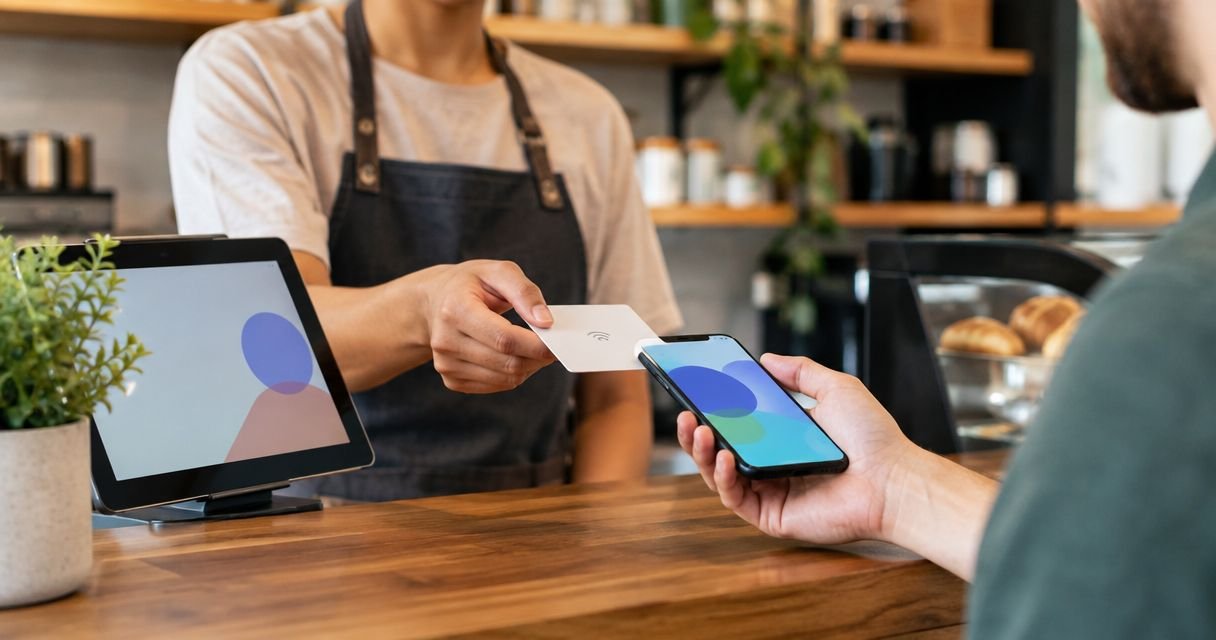
An NFC menu card sits on the table, and a guest taps their phone against it to open the current menu — no app, no hunting for a QR code, no camera scan that sometimes fails to focus. Staff update the menu content from the back end, and the card itself never needs to be reprinted or replaced when a price or dish changes.
NFC menu cards pros:
- No app download for the guest, works with any NFC-capable phone
- Menu updates go live without touching the physical card
- Doubles as a review prompt at the table, not just a menu
- Set up in days, not months, once the venue's menu content is ready
NFC menu cards cons:
- No built-in ordering or payment flow — it displays the menu, it doesn't process the order
- Needs a physical card placed at each table or point of use
- Best suited to menu display and reviews, not full POS integration
NFC menu cards verdict: Buy — for cafes and bars that want the fastest possible path from table to current menu, without adding an app or a POS overhaul.
2. QR code PDF menus: best digital menu software for a zero-hardware budget setup
A QR code linking to a PDF is the simplest digital menu option: print the code on a table tent or sticker, and the guest scans it with their phone's camera. It works everywhere a phone camera works, and it costs almost nothing to set up.
QR code PDF menus pros:
- Cheapest option to launch, no special hardware needed
- Works on any phone with a camera, no app required
- Fast to generate for a one-off event or pop-up menu
QR code PDF menus cons:
- Guests must open a camera app and wait for the scan to register, slower than a tap
- The menu is a static PDF, so updating a price means re-uploading and reprinting the code sticker if the link changes
- Hard to track how many guests actually opened the menu
QR code PDF menus verdict: Hold — fine as a stopgap or for a short-term event, but slower for guests than a tap-based card and clunkier to keep current.
3. Tablet-based digital menu boards: best digital menu software for bars with rotating specials
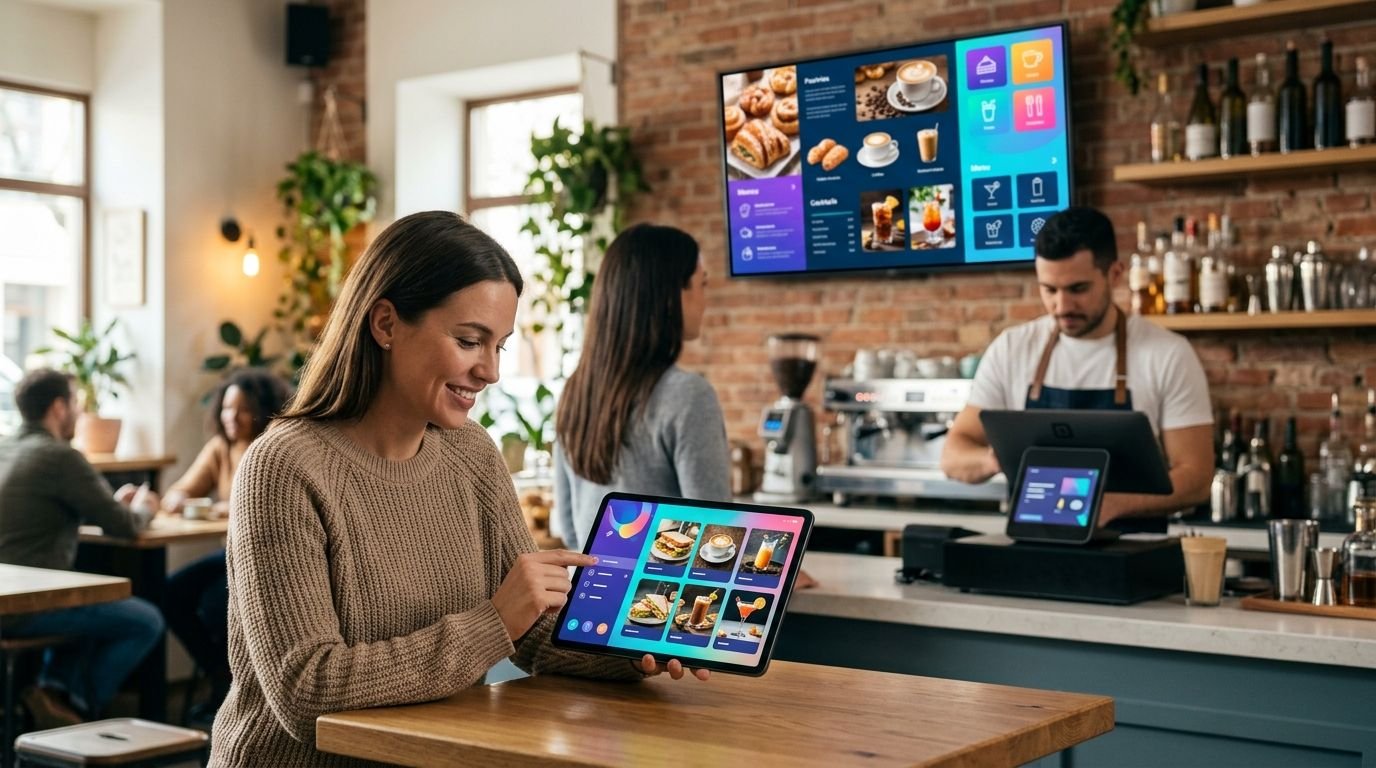
A tablet or screen mounted behind the bar or on the wall shows the current drink list, happy-hour pricing, or daily specials in full color. It's built for venues that change what's on offer often enough that a printed board would need constant reprinting.
Tablet menu boards pros:
- Full-color, eye-catching display that's easy to read from across the room
- Specials swap in minutes without touching a printer
- Works well as a wall-mounted feature behind the bar
Tablet menu boards cons:
- Per-unit hardware cost adds up if you need several screens
- Needs power and secure mounting, plus upkeep if a screen fails
- Can look like overkill for a small café with a short, stable menu
Tablet menu boards verdict: Buy — for bars that already have wall space and specials that change often enough to justify a screen.
4. POS-integrated digital menu systems: best digital menu software for high-volume table service
This type of system connects the menu directly to the point-of-sale, so an order placed at the table sends straight to the kitchen or bar printer. Nothing gets retyped by a server standing at a terminal.
POS-integrated menu systems pros:
- Orders print at the pass automatically, cutting down on manual re-entry errors
- Suited to busy service where speed at the till matters
- Can tie menu items directly to stock and pricing in one place
POS-integrated menu systems cons:
- Bigger setup than a menu-only tool, often tied to one POS vendor
- Longer onboarding than a card or QR code you can launch the same week
- Overkill for a small café doing counter service only
POS-integrated menu systems verdict: Buy — for venues doing high-volume table service that are ready for a bigger operational change, not just a menu swap.
5. Website-embedded menu builders: best digital menu software for cafes with a full web presence
A menu built into the venue's own website puts the full offering on a page a guest can find before they even walk in, usually linked from a Google Business Profile or social page. It works alongside a wider website builders for restaurants in Cyprus setup rather than replacing table-side display.
Website-embedded menus pros:
- Menu lives on your own domain, doubling as a marketing page
- Easy to link from search results, Google Maps, or social bios
- One place to keep the menu current for anyone researching before a visit
Website-embedded menus cons:
- Guest has to find and open the website first, less immediate than a table tap
- Not a replacement for an at-table display during service
- Needs a website built or maintained to begin with
Website-embedded menus verdict: Buy — for cafes already investing in a full website, as the pre-visit layer that sits alongside table-side menu tools.
See the NFC menu card in action
Live demo of tap-to-view menus for cafes and bars in Cyprus.
How we ranked these
Each option was weighed against the six criteria above: speed for the guest, update speed for staff, hardware cost, kitchen or bar workflow fit, whether an app is required, and fit with an existing website. No single tool wins on every criterion — a QR PDF menu is cheaper than an NFC card, but slower for the guest; a POS-integrated system prints straight to the kitchen, but takes longer to set up than a menu-only tool.
Which digital menu software should you choose in 2026?
If you run a café or bar and want the fastest, least disruptive upgrade, start with an NFC menu card — it's the closest thing to a printed menu that updates itself, with no app and no reprinting. If your bar runs frequent specials, add a tablet board behind the counter. If you're doing high-volume table service and already thinking about a POS change, a POS-integrated system is the next step up. A QR code PDF menu still has a place for short-term events, but it shouldn't be the long-term answer for a venue open year-round in 2026.
FAQ
What is the best digital menu software for cafes and bars in 2026?
For most cafes and bars, an NFC menu card is the best option in 2026 because it opens the menu with a single tap and needs no app. Bars with fast-changing specials often add a tablet menu board alongside it.
Is an NFC menu card better than a QR code menu?
An NFC menu card is faster for the guest because it works with a tap instead of opening a camera app and scanning a code. A QR code PDF menu is cheaper to set up but slower to use and harder to update.
Do guests need an app to use an NFC menu card?
No. NFC menu cards work with any phone that has NFC turned on, which is the default setting on most modern phones. The guest just taps the phone near the card and the menu opens in the browser.
How fast can a digital menu be updated?
With NFC menu cards and POS-integrated systems, a price or special can go live the same day without reprinting anything. QR code PDF menus and printed boards need a new file or reprint each time something changes.
Are digital menu boards worth it for a small café?
Tablet menu boards make the most sense for bars with specials that change often. A small café with a short, stable menu usually gets more value from an NFC card or a simple website menu page.
Does a digital menu replace a website for a restaurant or café?
No. A digital menu handles what a guest sees at the table or bar, while a website is where people research the venue before they visit. Most cafes and bars use both together.
Can a digital menu send orders straight to the kitchen?
Only POS-integrated digital menu systems do this — the order prints at the pass without a server retyping it. Menu-only tools like NFC cards or QR codes display the menu but don't handle ordering.
How long does it take to set up a digital menu for a café or bar?
NFC menu cards and QR code menus can typically be set up in days once the menu content is ready. POS-integrated systems take longer because they involve connecting to the till and kitchen printer.
One last thing
The detail most venues miss: a printed board or PDF menu is locked the moment it's printed, but an NFC card's content lives behind the tap, not on the card itself — so the same physical card on the table in January still works after every summer menu change, with nothing to reprint. That's the whole point of picking a tap-based system over a printed one for 2026.