Best NFC review card systems for local businesses 2026
The best NFC review card systems for 2026 compared: one-tap Google reviews, combo menu cards, QR stands and POS triggers, with clear best-for picks.
 Intelevate9 min read
On this page
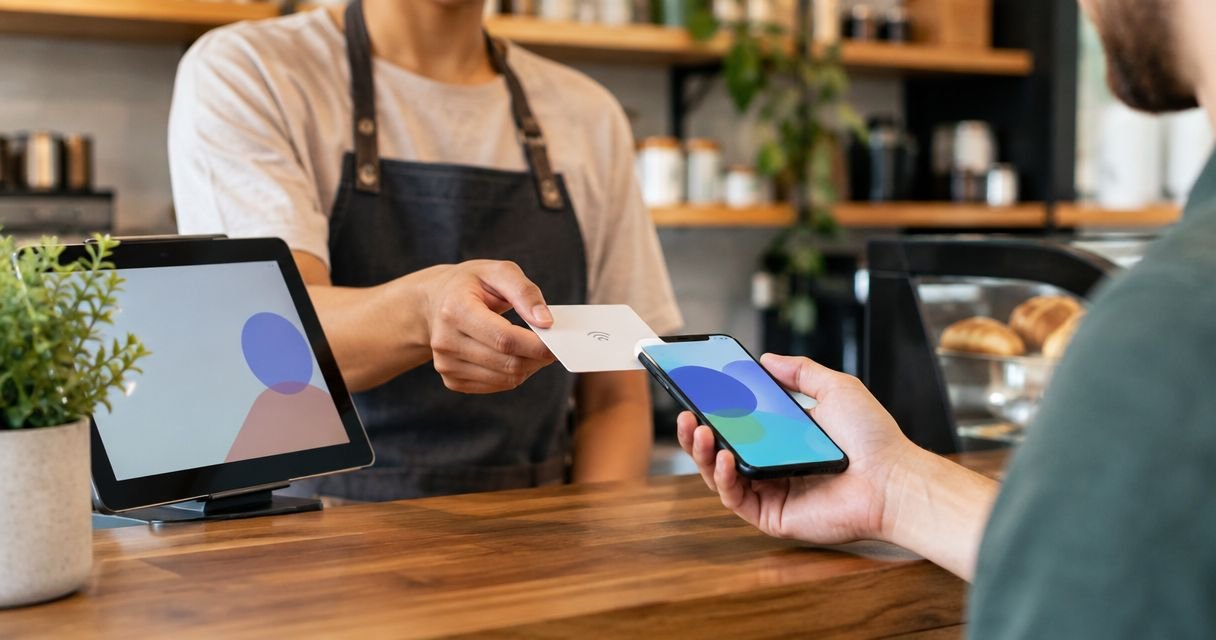
Tap-to-review NFC cards let a customer open your Google review page with a single tap of their phone, no app, no camera, no hunting for a QR code taped to a till. In 2026 that one detail is why NFC cards have replaced printed QR stands as the default review tool for restaurants, salons, clinics and garages across Cyprus. The best overall pick is Intelevate's NFC Review Card, best for restaurants, salons, barbershops and garages that want one-tap reviews with zero customer-side setup. Static QR stands still work as a budget fallback, and POS-triggered review prompts make sense once you're running several locations off shared software.
- Intelevate's NFC Review Card wins for one-tap Google reviews with no app and no QR code hunting in 2026.
- NFC combo cards that also serve a digital menu suit restaurants and cafés that update dishes often.
- Static QR stands stay a fair budget option but lose the tap-and-done speed of NFC.
- Custom POS-triggered review prompts only pay off for multi-location chains with developer time to spare.
Why this matters
A review card only earns its place on the counter if it removes friction, not adds it. NFC works because the customer's phone reads the tag the moment it's held near it — Intelevate builds its NFC review products around that exact behaviour rather than around an app a customer has to download first.
BrightLocal's 2023 Local Consumer Review Survey found 98% of consumers read online reviews for local businesses before choosing one, so the gap between asking for a review and actually collecting one matters more in 2026 than it did a few years back. Every extra step — opening a camera, finding the right app, typing a search — loses a share of customers who would otherwise have tapped and left a rating in seconds.
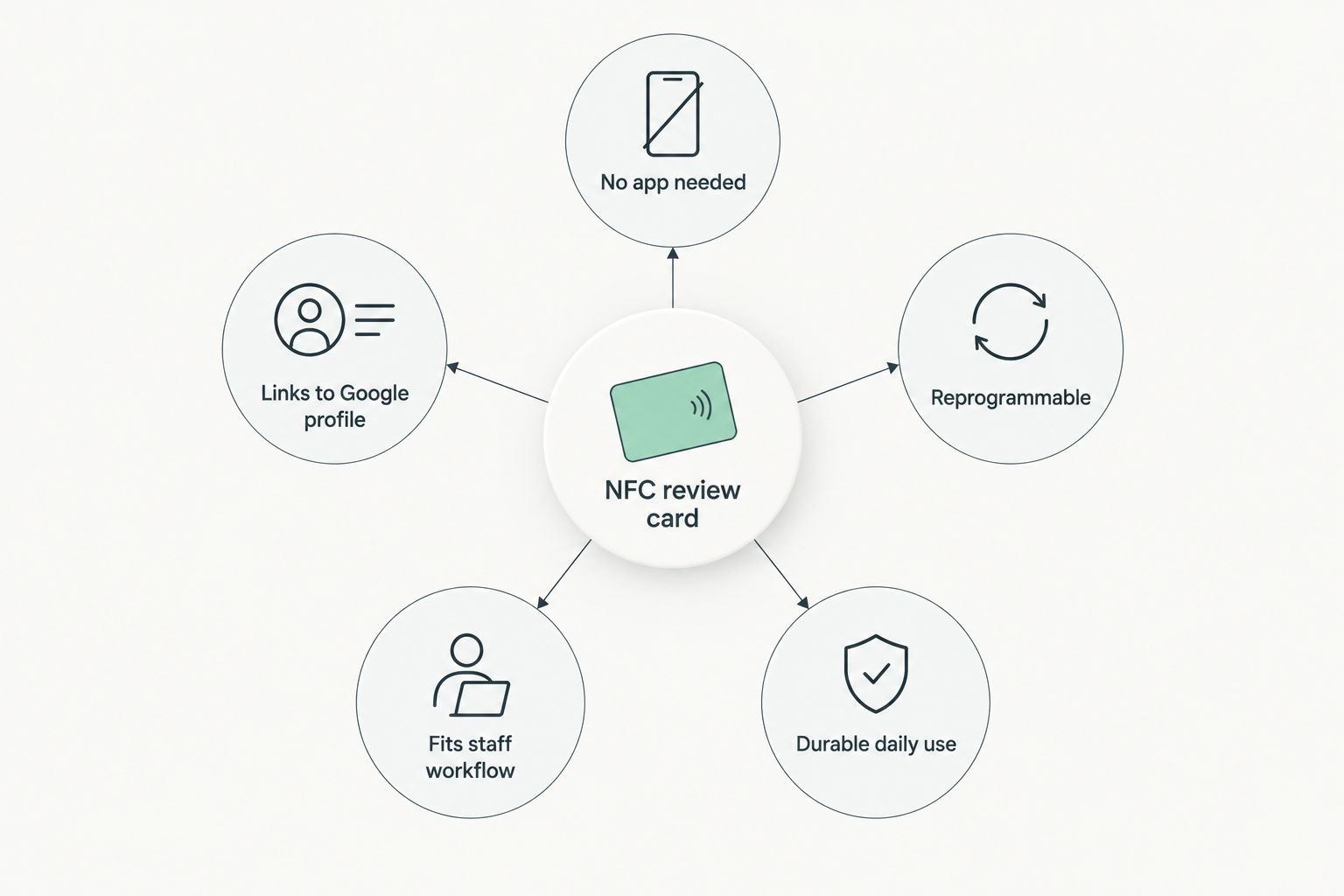
What makes the best NFC review card system
- No app or download on the customer's phone — the tap has to work with the phone's native NFC reader
- Links straight to your real Google Business Profile, not a generic form or a third-party review aggregator
- Reprogrammable if you ever change review platforms or move locations
- Fits how staff already work — placed at the till, the table, or the chair, not buried behind a screen
- Set up in days, not months, with no software staff need training on
- Durable enough for daily handling on a bar counter, reception desk or workshop bench
NFC review card systems at a glance
| System | Best for | Standout feature | Key limitation |
|---|---|---|---|
| Intelevate NFC Review Card | Restaurants, salons, barbershops, garages wanting one-tap reviews | Direct link to your Google review page, no app | Only works well if staff actually place it in front of customers |
| Static QR code stands | Businesses with existing printed QR codes, low budget | No new hardware to buy | Needs a camera app open, feels dated next to tap systems |
| Unbranded marketplace NFC tags | One-off test of tap technology before committing | Cheapest way to try NFC | One fixed URL, no support, no way to reprogram easily |
| NFC + digital menu combo | Restaurants and cafés with menus that change often | Same tap serves the menu, then triggers a review | More setup than a single-purpose review card |
| POS-integrated review triggers | Multi-location chains with existing POS and dev time | Fully automatic, no physical card | Needs developer time and adds a recurring software cost |
1. Intelevate NFC Review Card: best for one-tap Google reviews
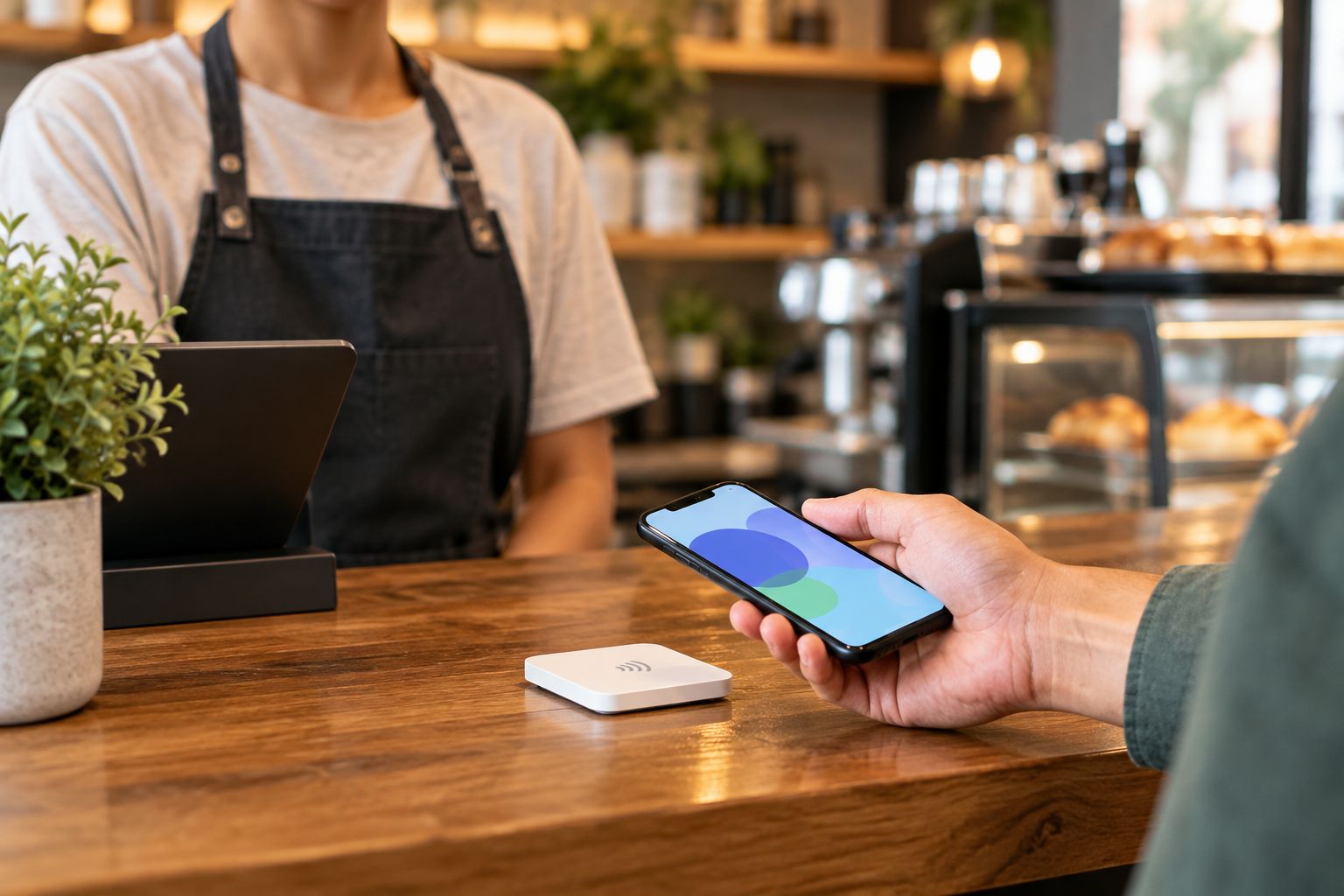
Intelevate's NFC Review Card is a small tag or card that a customer taps with their phone to land directly on your Google Business Profile review page. NFC chips run on the 13.56 MHz frequency used across contactless payment and access cards, and the read range is around 4 cm, so the tap has to happen close to the card by design — nothing accidental gets triggered from across the room.
Nothing is retyped and nothing gets installed on the customer's phone. The card is ordered through the website and delivered island-wide across Cyprus, with staff simply placing it where the customer already is: at the till, on the table, or on the reception counter.
Intelevate NFC Review Card pros:
- No app or QR scan for the customer — one tap opens the review page
- Nothing to retype or manage on the staff side once it's placed
- Built around how restaurants, salons, barbershops and garages already operate day to day
- Ordered online and delivered island-wide in Cyprus
Intelevate NFC Review Card cons:
- Only collects reviews if a staff member actually hands it over or points to it after service
- Doesn't replace a booking system or a digital menu on its own — it's a review tool, not a full platform
Best for: any local business — restaurant, salon, clinic, garage — that wants reviews collected at the exact moment a customer is happiest, without adding an app to their phone.
Verdict: Buy.
2. Static QR code stands: best for a low-cost first step
A static QR code stand is a printed card with a scannable code that opens a review link when a customer's camera reads it. It's the tool most businesses already had before tap systems existed, and plenty still use one today.
QR stand pros:
- Cheap to print and replace
- Easy to swap the destination link when needed
- Works with any phone camera, no NFC chip required in the phone
QR stand cons:
- Requires opening a camera app and holding the phone steady to scan
- Looks and feels dated next to a tap in 2026
- Higher drop-off between "sees the code" and "leaves a review" than a direct tap
Best for: businesses testing whether review prompts work at all before spending on hardware.
Verdict: Hold.
3. Unbranded marketplace NFC tags: best for a cheap one-off test
Generic NFC stickers bought from an online marketplace, programmed once with a phone app to a single fixed URL. No dashboard, no support, no reprogramming tools beyond what the buyer sets up manually.
Marketplace NFC tag pros:
- Lowest possible cost to try tap technology
- Instant to buy and set up once
Marketplace NFC tag cons:
- URL is baked in — changing it later means reprogramming by hand, if it's even possible again
- No support if the tag stops writing or reading reliably
- Bare sticker with no card design or placement thought behind it
Best for: a curious owner who wants to confirm tap-to-review actually gets used before committing to a managed system.
Verdict: Wait.
4. NFC + digital menu combo systems: best for menus that change often
This pairs an NFC tap with a hosted digital menu page, so the same card can show the current menu during service and prompt a review afterward. It fits restaurants and cafés where dishes, prices or specials shift regularly and reprinting laminated menus gets expensive fast.
This only pays off when it's paired with software built for that job — see digital menu software for restaurants for how menu updates get pushed live without reprinting anything.
Combo system pros:
- One tap does two jobs — menu during the meal, review after
- Menu changes happen once online, not on every printed card
- Reduces the number of physical items on a table
Combo system cons:
- More setup coordination than a single-purpose review card
- Only worth the extra step if the menu genuinely changes often enough to justify it
Best for: restaurants and cafés with menus that update weekly or seasonally.
Verdict: Buy, if the menu changes often.
5. Custom POS-integrated review triggers: best for multi-location chains
Instead of a physical card, this fires a review request programmatically from the point-of-sale system right after a transaction closes, usually by SMS or email. Timing is automatic and consistent across every location running the same POS.
The review velocity this kind of system produces feeds the same local pack signals that local SEO companies for small businesses spend monthly retainers trying to influence — a steady stream of fresh reviews is the input, whichever way it's collected.
POS-triggered review pros:
- No physical card needed at all
- Automatic timing, no reliance on staff remembering to hand something over
- Scales cleanly across multiple locations on shared software
POS-triggered review cons:
- Needs developer time to wire the POS integration properly
- Adds a recurring software cost on top of the POS system itself
- Overkill for a single-location salon, barbershop or garage
Best for: chains with several locations and existing developer resources.
Verdict: Wait for most single-location owners; Buy for chains with dev time.
How we ranked these
Each system was measured against the same six criteria: no app requirement, direct link to the real Google review page, reprogrammability, fit with existing staff workflow, setup speed, and physical durability. Intelevate's NFC Review Card and the combo menu system score highest because they hit all six without adding software staff have to learn; the marketplace tags and POS triggers each trade one strength (cost, or automation) for weaknesses on the others.
Which NFC review card system should you choose in 2026?
For most restaurants, salons, barbershops, clinics and garages, the Intelevate NFC Review Card is the right default — it's the fastest to set up, needs nothing installed on a customer's phone, and slots into a till or counter without changing how staff already work. Pick the combo NFC-plus-menu version if your menu changes often enough that reprinting is a real cost. Only look at POS-integrated triggers once you're running more than one location with developer support already in place.
FAQ
What is the best NFC review card system in 2026?
The Intelevate NFC Review Card is the best overall pick for 2026 because it links directly to a business's Google review page with a single tap and needs no app on the customer's phone. It suits restaurants, salons, barbershops and garages that want reviews collected right after service.
Do customers need an app to use an NFC review card?
No. NFC review cards work through the phone's built-in NFC reader, the same technology used for contactless payments. The customer taps the phone near the card and the review page opens without installing anything.
Is an NFC review card better than a QR code stand?
An NFC card is faster because it skips the camera-and-scan step a QR code requires. A QR stand still works and costs less to print, but it's a slower, older-feeling option compared to tapping in 2026.
How close does a phone need to be to an NFC card?
NFC has a short read range of roughly 4 cm, so the phone needs to be held close to the card. This is intentional — it prevents accidental triggers from across a room.
Can an NFC review card be reprogrammed later?
A managed NFC review card, like Intelevate's, can be reprogrammed if a business changes review platforms or locations. Cheap unbranded marketplace NFC tags are usually locked to one fixed link once set.
Do NFC review cards work for menus as well as reviews?
Combo systems pair an NFC tap with a hosted digital menu, so the same card shows the current menu during service and can prompt a review afterward. This suits restaurants and cafés with menus that change often.
Are NFC review cards worth it for a small single-location business?
Yes. A single NFC review card at the till or table covers a small restaurant, salon or garage without needing the POS integrations or developer time that multi-location chains require.
How long does it take to set up an NFC review card?
An NFC review card is set up in days, not months, since it requires no software installation on the customer side and only a link programmed to the business's Google review page.
One last thing
The card only works if someone hands it over or points to it — the technology removes friction from the customer's side, not from the staff habit of actually asking. Businesses that pair the tap with a one-line verbal prompt ('mind leaving us a review, it just takes a tap') see it used far more consistently than ones that leave the card sitting on the counter unmentioned.