Best table ordering systems for restaurants 2026
Best table ordering systems for restaurants in 2026 ranked: NFC tap ordering, QR apps, tablet POS, kiosks and handhelds compared with pros, cons and verdicts.
 Intelevate8 min read
On this page
Table ordering at Cyprus restaurants and cafés splits into five real formats in 2026: NFC tap ordering, QR code ordering apps, tablet-based POS ordering, self-service kiosks and waiter handheld devices. This guide ranks each one by what it actually fixes on the floor, not by brand name.
- Best table ordering systems for restaurants in 2026: NFC tap ordering wins for sit-down dining that also wants reviews.
- QR code ordering apps suit fast-turnover cafés and casual dining where phones are already out.
- Tablet-based POS ordering fits multi-location chains that need kitchen display integration.
- Self-service kiosks handle counter-service volume; waiter handhelds fit full-service and fine dining.
- No format wins everywhere. Match it to how orders actually move from table to kitchen.
Why this matters
Orders that get written on paper and walked to the till get retyped at least once before they reach the kitchen. That retyping is where wrong dishes, missed allergies and slow tables come from, and it gets worse the busier the restaurant gets in 2026.
Digital menu software for restaurants solves half the problem: the menu updates without reprinting and prices stay accurate. Table ordering solves the other half by moving the order itself off paper. The two usually sit on the same device, which is why picking a format matters more than picking a brand.
A restaurant with six tables and a slow lunch service does not need the same system as a 40-cover dinner service with three sittings a night. The five formats below cover both ends.
What makes the best table ordering system
- No app download — the guest opens the menu in a browser, not an app store
- Orders route straight to the kitchen or till — nothing gets retyped by a server
- Menu changes update instantly — a sold-out dish or a price change goes live without reprinting
- Works on the WiFi or data already in the building — no new network required
- Matches the floor's actual pace — quick counter service needs a different flow than a three-course dinner
- Leaves a path to reviews or repeat contact — the same tap that opens the menu can ask for a review after the bill
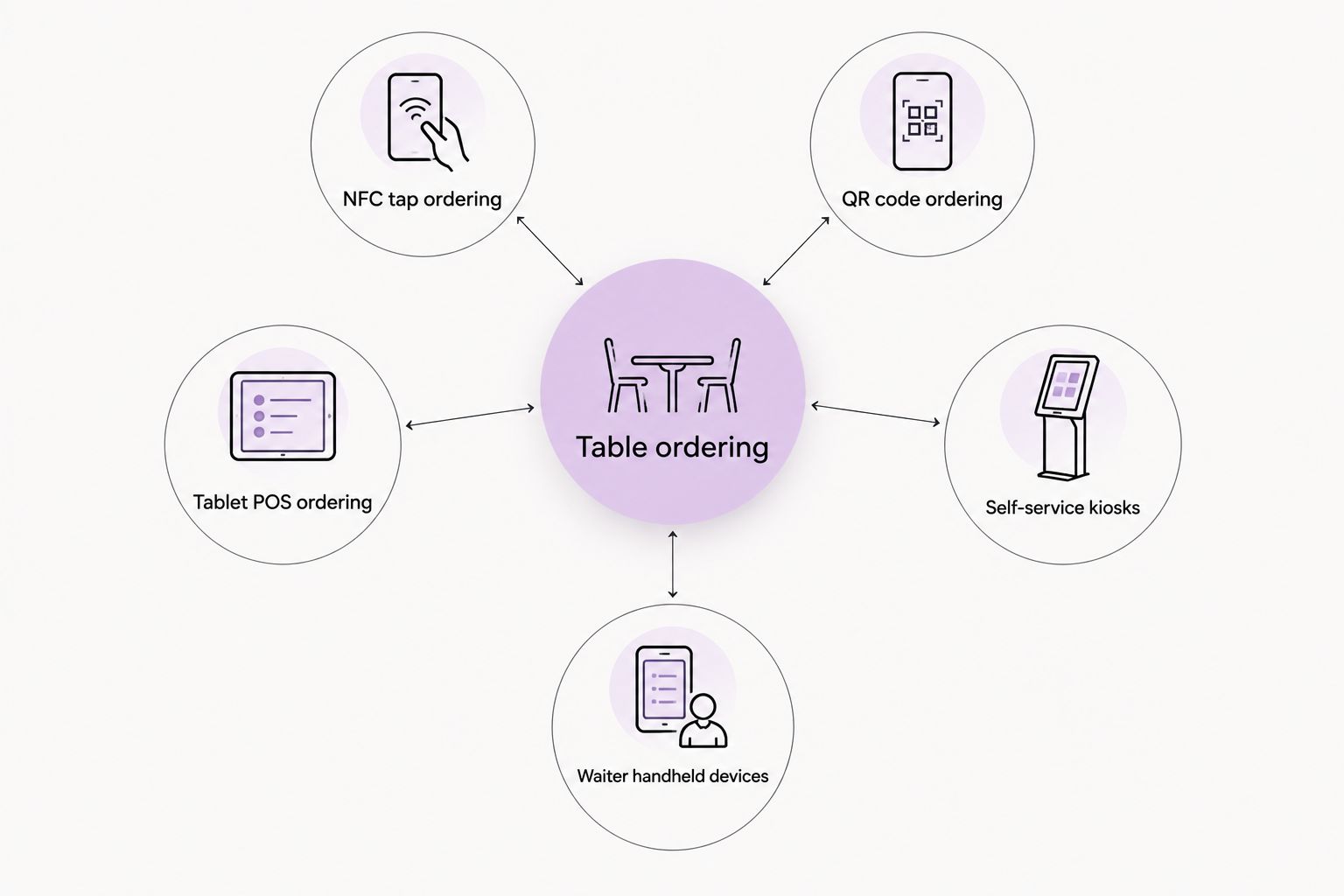
Table ordering systems compared at a glance
| Format | Best for | Standout feature | Key limitation |
|---|---|---|---|
| NFC tap ordering | Sit-down restaurants that also want reviews | One tap opens menu, order and review link | Needs an NFC tag placed at each table |
| QR code ordering apps | Fast-turnover cafés and casual dining | Works on any phone camera, no hardware | Slower for guests unfamiliar with QR codes |
| Tablet-based POS ordering | Multi-location chains | Ties straight into kitchen display systems | Tablets need charging, cleaning and replacing |
| Self-service kiosks | Counter-service and quick-service volume | Cuts queue time at peak hours | Takes floor space and needs a power point |
| Waiter handheld devices | Full-service and fine dining | Order sent from the table, no walk to a till | Cost sits with the staff device, not the guest |
1. NFC tap ordering: best for sit-down restaurants that also want reviews
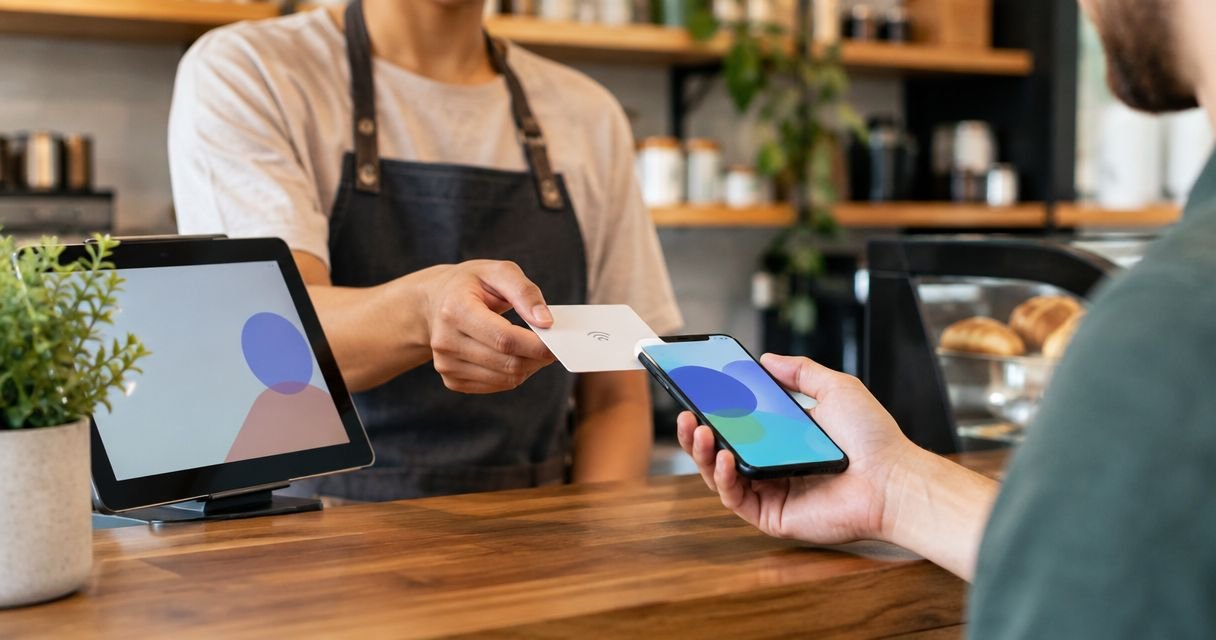
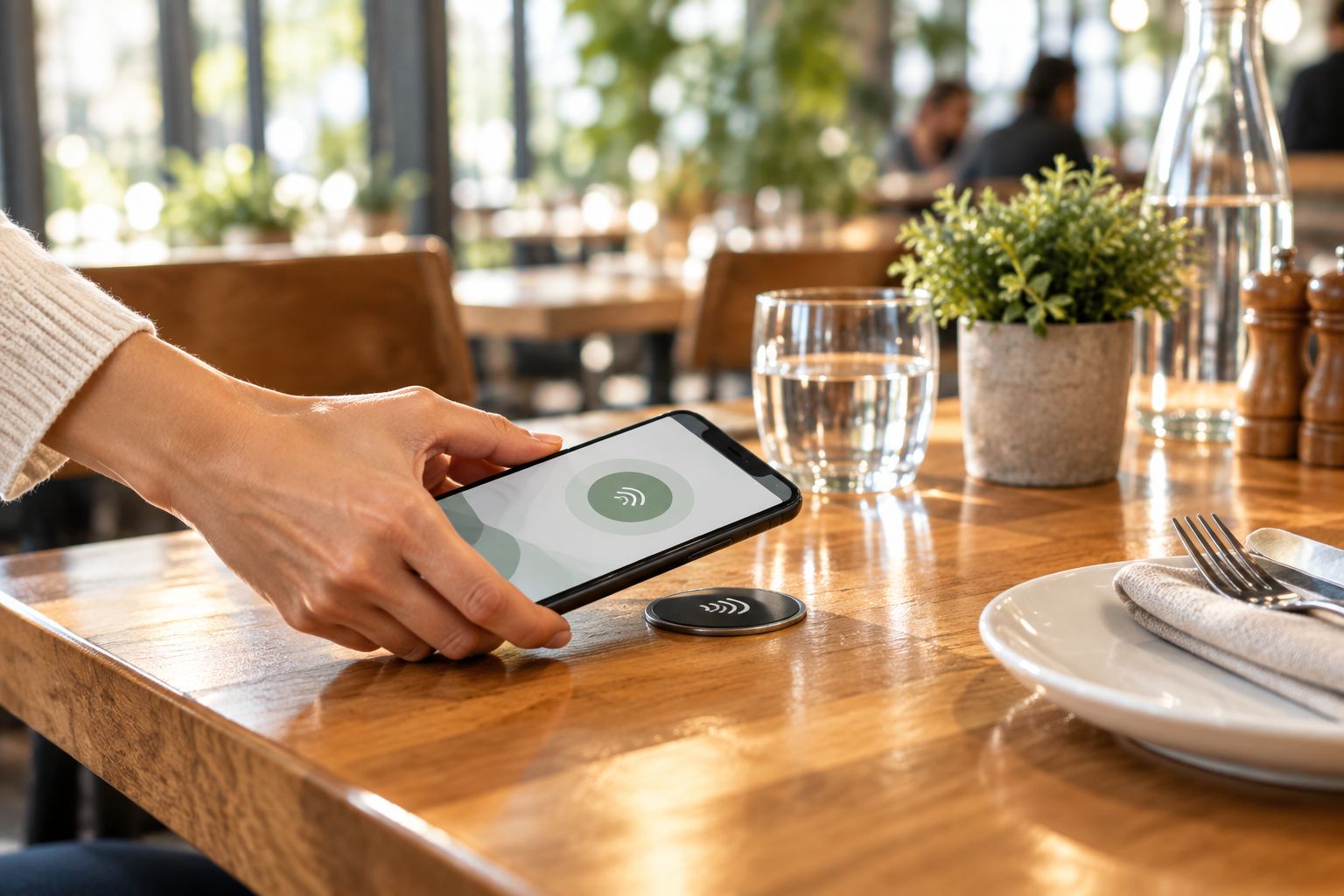
A small NFC tag sits on the table, embedded in a stand or stuck under the edge. The guest taps their phone against it, the menu opens straight in the browser, and there's no app to install and no QR code to hunt for on a sticky laminated card. Intelevate builds this exact setup for restaurants, cafés and bars across Cyprus, and it doubles as the review-collection tap once the bill lands.
NFC only reads from around 4 cm away, so the tag has to sit exactly where a hand naturally rests, which is a placement decision worth getting right before ordering hardware.
NFC tap ordering pros:
- No app, no QR code, no typing a URL
- The same tag can point to a review page after the meal
- Setup is measured in days, not months, once the tags are placed
NFC tap ordering cons:
- Needs a physical tag at every table, not just a printed code
- Guests with older phones occasionally need NFC switched on first
Best for: sit-down restaurants and cafés that want ordering and review collection from one tap.
Verdict: Buy for full-service and casual dining rooms in 2026.
2. QR code ordering apps: best for fast-turnover cafés and casual dining
A printed code on the table or menu opens an ordering page in the guest's camera app. It's the format most guests already recognize from digital menu software for cafés and bars, and it needs no extra hardware at all.
QR code ordering pros:
- Zero hardware cost beyond a printed code
- Familiar to most guests after several years of use
- Easy to swap when the menu or table layout changes
QR code ordering cons:
- Slower for guests who fumble with camera permissions
- The code itself can get worn, spilled on or covered by a plate
Best for: cafés and casual spots with fast table turnover and low staff-to-table ratios.
Verdict: Buy if the floor is fast-paced and phones are already out.
3. Tablet-based POS ordering: best for multi-location chains
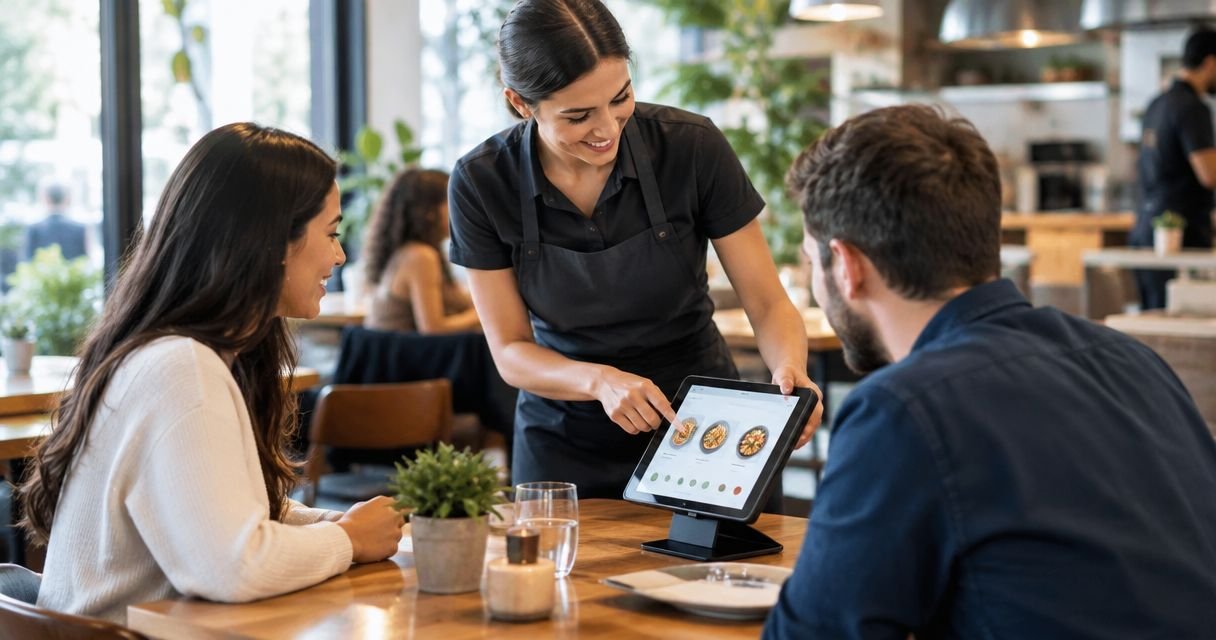
A tablet mounted at the table or handed to the guest runs a dedicated ordering interface tied straight into the till and kitchen display system. It's built for consistency across several sites rather than for a single independent restaurant.
Tablet POS ordering pros:
- Direct integration with kitchen display and stock systems
- Consistent ordering experience across every location
- Can upsell with images and set combinations on screen
Tablet POS ordering cons:
- Tablets need charging, cleaning and periodic replacement
- Higher setup complexity than a tag or a printed code
Best for: chains running the same menu and workflow across multiple sites.
Verdict: Hold unless the business already runs more than one location.
4. Self-service kiosks: best for counter-service and quick-service volume
A standing screen near the counter takes the order and payment before food is called. It removes the queue at the till during peak hours, which matters most where lunch runs in a tight 30 to 45 minute window.
Self-service kiosk pros:
- Cuts queue length at busy counter periods
- Consistent order accuracy since nothing is called out verbally
- Frees staff to focus on food prep instead of taking orders
Self-service kiosk cons:
- Needs floor space and a fixed power point
- Feels impersonal in venues built around table service
Best for: quick-service counters and bakeries with high midday volume.
Verdict: Buy for counter-service formats; Skip for sit-down dining rooms.
5. Waiter handheld ordering devices: best for full-service and fine dining
A handheld device lets a server take the order at the table and send it to the kitchen without walking to a till. The guest still gets full table service; the walk between table and till disappears instead.
Waiter handheld pros:
- Order sent from the table, no walk to a till and back
- Keeps the personal, staff-led feel of full-service dining
- Reduces the chance of an order being forgotten mid-shift
Waiter handheld cons:
- Device cost and upkeep sits with the restaurant, not the guest's own phone
- Staff need training time before the device speeds anything up
Best for: full-service and fine dining rooms where staff take every order.
Verdict: Hold for venues already running smoothly on paper pads; Buy for rooms losing tickets between table and till.
Set up table ordering built around your floor
NFC menu and ordering tags installed island-wide, live in days not months.
How we ranked
Each format was judged against the six criteria above: no app requirement, order routing, live menu updates, use of existing WiFi, floor pace fit, and a path to reviews. NFC tap ordering scores highest across sit-down dining because it clears the first three criteria without extra hardware cost. Kiosks and tablets score highest on volume and chain consistency but lose points on floor space and upkeep.
Which table ordering system should you choose in 2026?
A single-location restaurant or café with table service should start with NFC tap ordering: no app, one tag per table, and a review link riding along on the same tap. A fast-turnover café or bar with phones already out at every table does fine with a QR code ordering app instead.
A quick-service counter with a lunch rush should look at a kiosk before anything else. A chain running the same menu at three or more sites should weigh tablet POS ordering against the setup cost of standardizing tags across every location.
Ordering is only half the picture. A restaurant weighing table ordering in 2026 is usually also overdue for a look at its own site — see the roundup of website builders for restaurants in Cyprus for the other half of that decision.
FAQ
What's the best table ordering system for restaurants in 2026?
NFC tap ordering is the best overall pick for sit-down restaurants and cafés in 2026 because it needs no app and doubles as a review-collection tool. Fast-turnover cafés often do just as well with a QR code ordering app.
Is QR code ordering better than NFC tap ordering?
QR code ordering needs zero hardware and works on any phone camera, while NFC tap ordering is faster once a tag is placed and skips the camera-permission step entirely. Pick QR for lowest setup cost, NFC for the smoothest guest experience.
How much does a table ordering system cost?
Cost depends on the format: QR ordering apps typically run on a software subscription, NFC tags are a one-time hardware cost per table, and tablet POS or kiosk systems bundle hardware with a software license. Check current pricing directly with the provider for the format you're considering.
Do self-service kiosks work for small restaurants?
Kiosks work best where there's a counter and a queue to remove, which usually means quick-service or bakery formats rather than small sit-down restaurants. A small full-service restaurant is usually better served by NFC tap ordering or a waiter handheld device.
Can table ordering systems integrate with an existing POS?
Tablet-based POS ordering and most kiosk systems are built to integrate directly with kitchen display and till systems. NFC tap ordering and QR ordering apps route orders to a phone or printer at the pass rather than a full POS integration in most setups.
Do customers need to download an app to order at the table?
No, with NFC tap ordering and QR code ordering the menu and order form open directly in the phone's browser. Only tablet-based and kiosk systems run a dedicated on-device interface, and that device belongs to the restaurant, not the guest.
What is the tap range for NFC ordering tags on a table?
NFC tags read from roughly 4 cm away, so the tag needs to sit exactly where a guest's hand naturally rests on the table. Placement matters more than the tag itself for how smoothly the tap works.
Which table ordering system works best for fine dining?
Waiter handheld devices fit fine dining best because they keep full staff-led service while cutting the walk between table and till. NFC tap ordering can sit alongside it purely for the post-meal review tap rather than replacing the server.
One last thing
The format that fails most often isn't the wrong one, it's a right one placed badly: a QR code taped where a plate covers it, or an NFC tag mounted where no hand rests. Walk the floor before ordering hardware, not after.