Best digital menu software for restaurants 2026
NFC tap menus rank best digital menu software for restaurants in 2026 for no-app, no-QR service. Compare NFC, QR, POS tablets, apps and website menus.
 Intelevate9 min read
On this page
Five technologies get called "digital menu software" in 2026, and they solve completely different problems: NFC tap cards, QR code PDFs, POS tablets, delivery-app menus, and website-embedded menus. This guide ranks each type by what it actually fixes for a restaurant, café, or bar, not by a feature list nobody asked for.
- NFC tap menus win for dine-in restaurants that want no app and no QR hunting at the table in 2026.
- QR code PDF menus stay the cheapest way to launch digital menu software with zero hardware.
- POS-integrated tablets suit high-volume kitchens that already print tickets at the pass.
- App-based ordering platforms fit delivery-heavy kitchens, not walk-in dining rooms.
- Website-embedded menus work best before the visit, not during it.
Why this matters
A paper menu costs money every time a price changes - new print run, new lamination, new stack for every table. Digital menu software removes that reprint cycle, but only if you pick the type that matches how your restaurant actually runs.
Cyprus restaurants deal with a mixed crowd of locals and tourists reading menus in different languages on different phones, at different tables, on the same Friday night. Intelevate builds NFC menu and review products, websites, booking systems and automation for restaurants, salons, barbers and garages across Cyprus, which is the lens this guide uses to rank each option below.
The habit of scanning rather than touching a shared laminated menu also stuck around after 2020, and it's part of why NFC and QR both outrank a stack of plastic-coated pages in 2026.
What makes the best digital menu software
- No app, no download friction - the diner should see the menu without installing anything
- Live edits without reprinting - change a price or a dish and it's live everywhere instantly
- Works with the till you already run - it should sit alongside your POS, not replace it overnight
- Low-touch and easy to wipe down - fewer shared surfaces at the table
- Multilingual display - useful for mixed local and tourist covers
- Setup measured in days, not months - not a three-month IT project
Best overall: NFC tap menus for sit-down restaurants that want live price edits without reprinting. Best for tight budgets: QR code PDF menus. Best for high-volume table service: POS-integrated tablet menus. Best for delivery-heavy kitchens: app-based ordering platforms. Best for pre-visit browsing: website-embedded menus.
At a glance
| Type | Best for | Standout feature | Key limitation |
|---|---|---|---|
| NFC tap menu | Sit-down restaurants dropping printed menus | Tap and it opens, no app, no camera scan | Diner's phone still needs NFC turned on |
| QR code PDF menu | Fastest, cheapest launch | Works with any phone camera | Codes fade and need reprinting eventually |
| POS-integrated tablet | High-volume table service | Order prints at the pass automatically | Hardware cost and staff training upfront |
| App-based ordering platform | Delivery-heavy kitchens | Reaches customers off-premise | Commission per order, plus app download friction |
| Website-embedded menu | Pre-visit browsing | Found in search before the booking | Doesn't help once the diner is seated |
1. NFC tap menu: best digital menu software for sit-down restaurants dropping printed menus
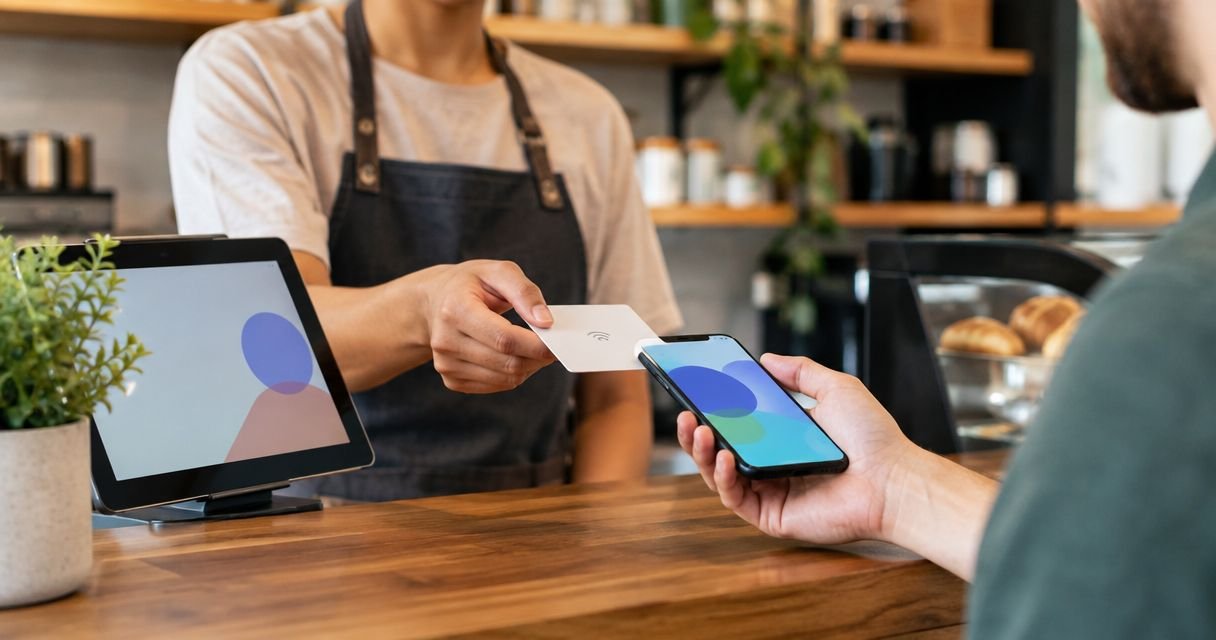
A small NFC card or sticker sits on the table. The diner taps their phone against it and the menu opens straight in the browser - no app, no hunting for a QR code, no scanning through a smudged camera lens. Prices and dishes are edited once and go live on every table at the same time, nothing retyped and nothing reprinted.
NFC tap menu pros:
- No app and no QR code to line up in a camera
- Menu edits go live instantly across every table
- Works on any phone with NFC, which covers most phones sold since around 2015
NFC tap menu cons:
- A handful of older or budget phones still don't have NFC turned on or fitted at all
- It doesn't take payment on its own - a till or card machine still handles that step
- Lost or damaged cards need replacing, so it's still a physical object on the table
Best for: independent restaurants, cafés and bars that want printed menus gone without adding an app for the customer.
Verdict: Buy.
2. QR code PDF menu: best digital menu software for the fastest, cheapest launch
A sticker with a QR code sits on the table or door. The camera scans it and opens a PDF or a webpage. It's the option almost every diner already knows how to use after 2020, and it costs the least to set up.
QR code menu pros:
- Cheapest way in - no hardware beyond a printed sticker
- Works on any phone with a camera, no compatibility checks
- Live same day, no build time
QR code menu cons:
- Codes fade, scratch or peel in direct sun and end up needing reprinting anyway
- Diners still unlock the phone, open the camera, aim and wait - more steps than a tap
- Updating the menu still means swapping a PDF link, and prices can lag if nobody remembers
Best for: new openings or pop-ups testing a concept before committing to any hardware.
Verdict: Hold - fine to launch with, worth upgrading once daily covers settle in.
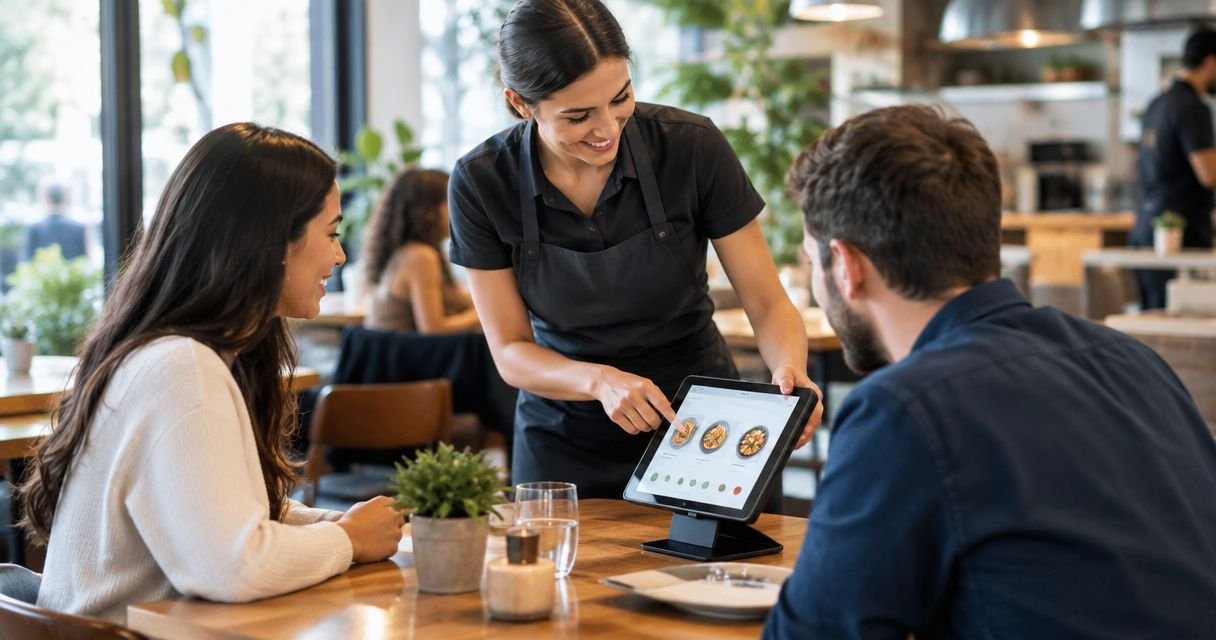
3. POS-integrated tablet menu: best digital menu software for high-volume table service
A tablet sits at the table or counter, tied directly into the existing till. The order goes straight to the kitchen printer - the order prints at the pass and nothing gets retyped by a server standing between the table and the till.
POS-integrated tablet pros:
- Order prints at the pass automatically, cutting mistakes from handwriting
- One system running menu, stock and payment together
- Fewer trips between the table and the till on a busy night
POS-integrated tablet cons:
- Tablet hardware costs more upfront than a card or a sticker
- Staff need training, and glare on outdoor tables is a real, recurring problem
- A cracked screen or dead battery takes that table out of service until it's fixed
Best for: busy full-service restaurants already running a POS system, where covers justify the hardware spend.
Verdict: Buy - if the volume is there to match the cost.
4. App-based ordering platform: best digital menu software for delivery-heavy kitchens
A third-party or branded app handles ordering, mostly for delivery and takeaway rather than the dining room. It reaches people who never set foot inside the restaurant.
App-based ordering pros:
- Reaches customers who order without ever visiting
- Push notifications and order history build repeat custom
App-based ordering cons:
- Asking a diner to download an app before they can see a menu is exactly the friction most restaurants are trying to remove
- Delivery platforms typically take a commission on every order placed through them
- Customer data and order history sit with the platform, not the restaurant
Best for: kitchens where delivery and takeaway outnumber dine-in covers.
Verdict: Skip for the dining room; keep it for delivery only.
5. Website-embedded live menu: best digital menu software for pre-visit browsing
The menu lives as a page on the restaurant's own website, editable directly and findable through search before anyone leaves the house. Read more on what goes into a restaurant website builder in Cyprus if this is the piece you're missing.
Website-embedded menu pros:
- Visible to anyone searching before they book, not just people already seated
- Doubles as marketing and search visibility, one page does both jobs
- No hardware at all - it's a page update, not an install
Website-embedded menu cons:
- Doesn't help once the diner is sitting at the table with nothing but a paper menu in front of them
- Someone still has to keep it updated whenever prices or dishes change - and site upkeep has its own recurring website cost in Cyprus to plan for
Best for: restaurants that want the menu findable in search before the booking decision gets made.
Verdict: Buy alongside another option, not instead of one.
How we ranked these
Each type was checked against the six criteria above: app-free access, live edit speed, POS compatibility, low-touch hygiene, multilingual display, and setup time. NFC tap menus and POS-integrated tablets score highest because they touch the fewest points of friction between the diner and the kitchen. QR and app-based ordering both add a step the other two skip - unlocking the phone and finding the camera, or downloading something first.
“If a diner needs to download an app to see your menu, you've already lost them.”
Which digital menu software should you choose in 2026?
For most independent, sit-down restaurants, cafés and bars, an NFC tap menu is the default - no app for the customer, no reprint cycle for the owner, and it sits happily next to whatever till you already run. If the budget is genuinely at zero, start with a QR code PDF menu and plan the upgrade once covers are steady. If the kitchen is already running a full POS and the dining room is busy every night, a POS-integrated tablet earns its cost. Delivery-heavy kitchens should keep an app for takeaway orders but shouldn't force it on dine-in diners. A website-embedded menu belongs alongside any of these, not instead of one - it's the version people see before they've decided to come in at all.
Compare digital menu options for your restaurant
See how NFC menus, websites and booking tie together, set up in days, not months.
FAQ
What's the best digital menu software for restaurants in 2026?
NFC tap menus are the best overall pick for sit-down restaurants in 2026 because they need no app and no QR code scan - the diner taps their phone and the menu opens. POS-integrated tablets rank close behind for high-volume kitchens already running a till system.
Is an NFC menu better than a QR code menu?
NFC menus remove one extra step compared to QR - the diner taps instead of unlocking the phone, opening the camera and scanning. QR menus are cheaper to launch, so newer restaurants sometimes start there before switching.
Do digital menus need an app?
No. NFC tap menus, QR code menus and website-embedded menus all open directly in the phone's browser with no app download. Only app-based ordering platforms require an install, and that's mainly for delivery and takeaway, not dine-in.
Can digital menu software print orders straight to the kitchen?
Yes, but only POS-integrated tablet menus do this on their own - the order prints at the pass without a server retyping it. NFC and QR menus show the menu but still need a till or a server to take the order.
Do QR code menus work without wifi?
The QR code itself scans without wifi, but the menu it opens still needs a data connection or the restaurant's wifi to load. NFC tags work the same way - the tag itself needs no power, but the phone needs a connection to load the page.
What's the best digital menu option for a café or bar?
NFC tap menus suit cafés and bars well since covers turn over fast and prices change often - drinks lists in particular. A QR code menu is a reasonable starting point if the budget is tight.
Are NFC menus hygienic compared to shared paper menus?
NFC menus reduce shared touchpoints since each diner uses their own phone rather than handling a laminated menu that's passed table to table. The card itself still gets touched, but nothing is shared page by page.
How much does digital menu software cost to set up?
Cost depends on the type chosen - QR menus need almost no hardware spend, while POS-integrated tablets and NFC hardware carry an upfront cost that varies by supplier. Check current pricing directly rather than relying on a fixed figure, since it depends on the setup.
One last thing
An NFC tag is passive - it carries no battery and needs no power of its own, so it keeps working even if the restaurant's router goes down or the wifi drops mid-service. The phone doing the tapping still needs a connection to load the page, but the tag on the table never needs charging, replacing batteries, or a software update. That's one less thing on the closing checklist.